
Audio Production#
With Audrey Audio, you have a specialized AI assistant by your side for all your audio productions. Whether it’s a commercial, podcast, radio segment, or interview edit, Audrey supports you from the initial draft to the finished audio file. Simply tell her what you want to produce, and she will choose the right tools and carry out the necessary steps automatically.
Audrey Audio#
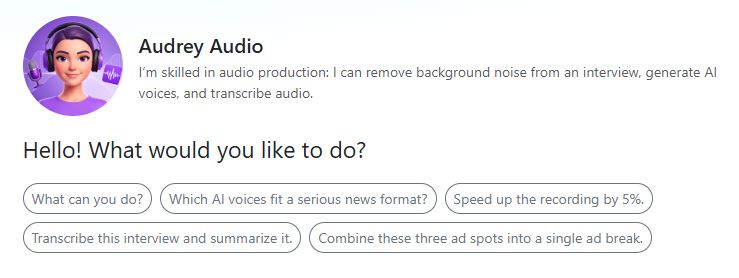
You can access Audrey Audio via the assistant section of the AI-Tools. You don’t need any prior experience in audio production—just tell Audrey what you want to do, and she’ll take care of the rest.
Audrey can help you with:
🎙️ Commercials - write copy, generate voice-over, and mix with music
🎧 Podcasts - produce podcast-style dialogues with two AI voices
✂️ Audio editing - extract quotes, shorten segments, split interviews
🔊 Quality check - technical analysis of audio files
🧹 Audio enhancer - remove unwanted noise and improve sound quality
📝 Transcription - convert speech to text and identify speakers
🎭 Voice Changer - transform recordings into different AI voices
🎤 Radio segments - combine original quotes with AI voice-over text into finished segments
Tip
Not sure where to start? Simply ask Audrey: What can you do for me? She’ll introduce herself and show you all her capabilities with specific examples.
AI Voices#
With the AI Voices tool, you can turn any text into spoken audio. Three providers are available: ElevenLabs, Google, and Microsoft—each with different voices and tonal characteristics. If you like, Audrey can recommend a suitable voice: young or mature, male or female, formal or casual.
Typical use cases:
Generate voice-overs for commercials and jingles
Produce podcast dialogues with two different voices
Create audio dramas and dialogues with multiple characters
Tip
Try these prompts:
Read the following text in a friendly female voice.
Produce a podcast dialogue between two people on this topic. Use one male and one female voice.
Which voices work best for a commercial that should sound young and dynamic?
Mix voice with a music bed#
You can mix a generated AI voice directly with a music bed. Upload the music, tell Audrey what volume balance you want, and she’ll produce the finished mix.
Practical example: You have a 30-second commercial script and a matching music bed. Audrey voices the script, mixes it with the music, and delivers the finished spot as an MP3 or WAV file.
Tip
Try these prompts:
Read the following commercial in a friendly female voice and mix it with the uploaded music bed.
Normalize the finished spot to -9 dB.
Voice Changer#
With the Voice Changer (ElevenLabs), you can convert an existing recording into an AI voice. Upload your recording and tell Audrey how you want the target voice to sound.
Practical example: You have your own recording in which you emphasize the individual passages exactly the way you want. The Voice Changer turns your voice into a professional AI voice.
Tip
Try these prompts:
Convert the uploaded recording into a professional female AI voice.
Convert my voice into a deeper, calmer voice.
Audio Tools#
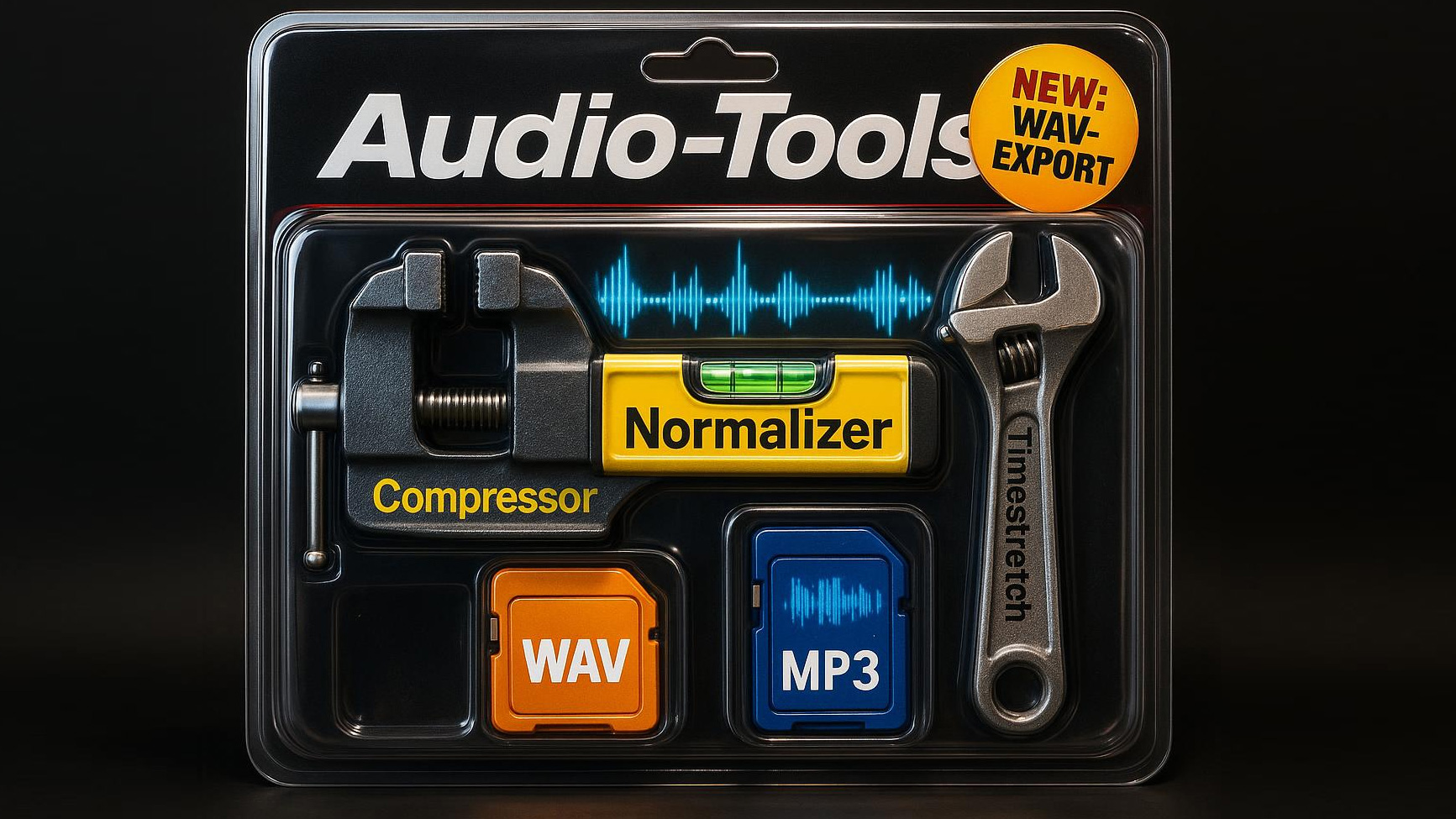
With this toolbox, Audrey can help you produce and edit audio content. You can mix, combine, normalize, compress, stretch, and analyze audio files.
Combine#
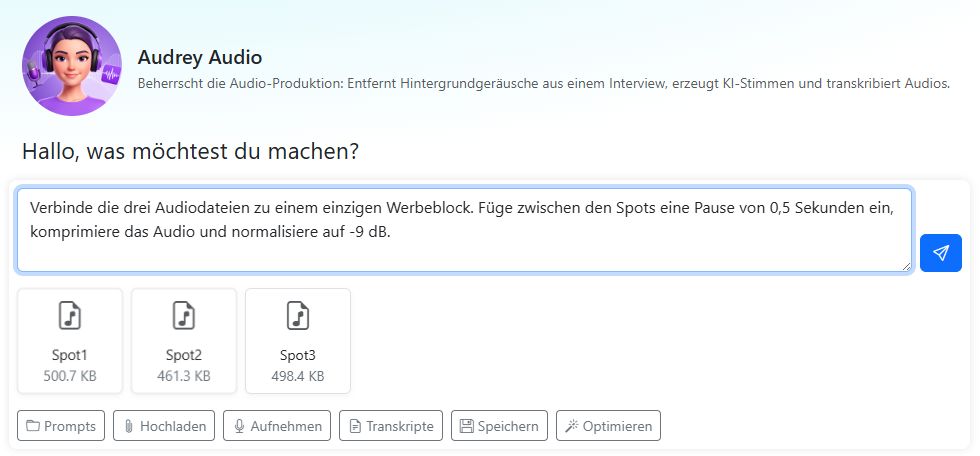
Upload multiple audio files and arrange them in the desired order using drag and drop. Audrey combines them into a single file, with optional pauses between the individual parts.
Practical example: You have three finished commercials and want to turn them into an ad break for the next broadcast hour. Audrey combines the spots in the desired order, adds pauses, and delivers the finished block.
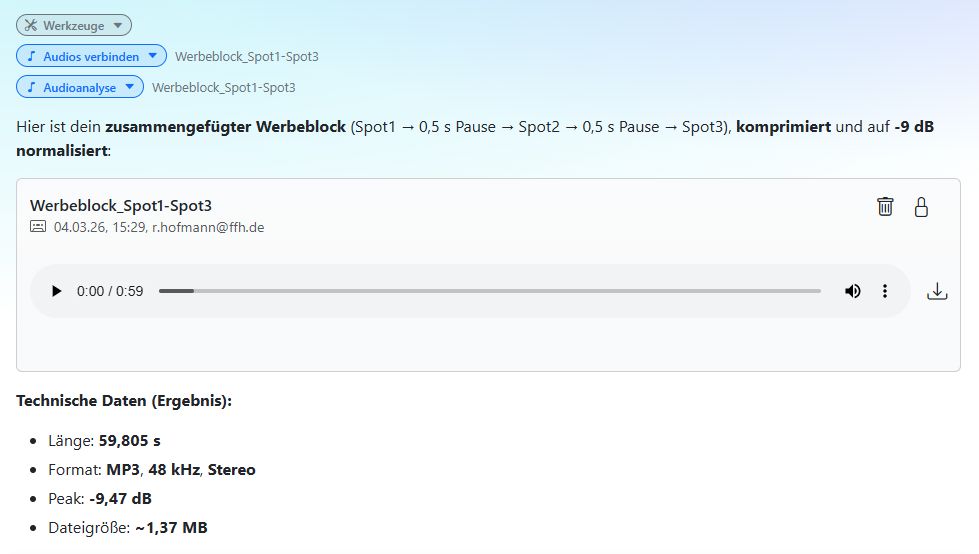
Then choose which file format (WAV or MP3) you want for the finished audio file.
Normalize, compress, and time-stretch#
Normalize: Adjust the volume to a target dB value (default: -9 dB). You can normalize individual tracks or the overall mix, depending on what you need.
Compress: Reduce the dynamic range of the audio for a more even sound.
Time-stretch: Lengthen or shorten an audio file to a desired duration (factor 0.8–1.2). Useful when a spot needs to be adjusted to exactly 30 seconds.
Practical example: Your commercial is 32 seconds long, but you need it to be 30 seconds. Audrey calculates the time-stretch factor, shortens the audio, and then normalizes it.
Tip
Try these prompts:
Normalize the audio file to -10 dB and export it as WAV.
Combine the three audio files into a single file. Add a 0.5-second pause between each file and compress the audio.
Stretch the audio file to a length of 30 seconds. Compress it and export it as MP3.
Make the audio 5% faster.
Join the two audio files and normalize them individually.
Combine the audio files and then normalize the entire audio to -9 dB.
Analyze#
Audrey analyzes audio files both technically and in terms of content. The Audio Tools determine: duration, format, sample rate, channels, file size, peak amplitude, RMS level, dynamic range, loudness (LUFS), and crest factor. This allows you to assess the quality of an audio file quickly before you broadcast it or continue processing it.
Tip
Try these prompts:
How long is the audio file, and what is its content?
Analyze the commercial technically and in terms of content. Write a comprehensive report.
Does the audio loudness comply with the EBU R128 standard?
Audio Enhancer#
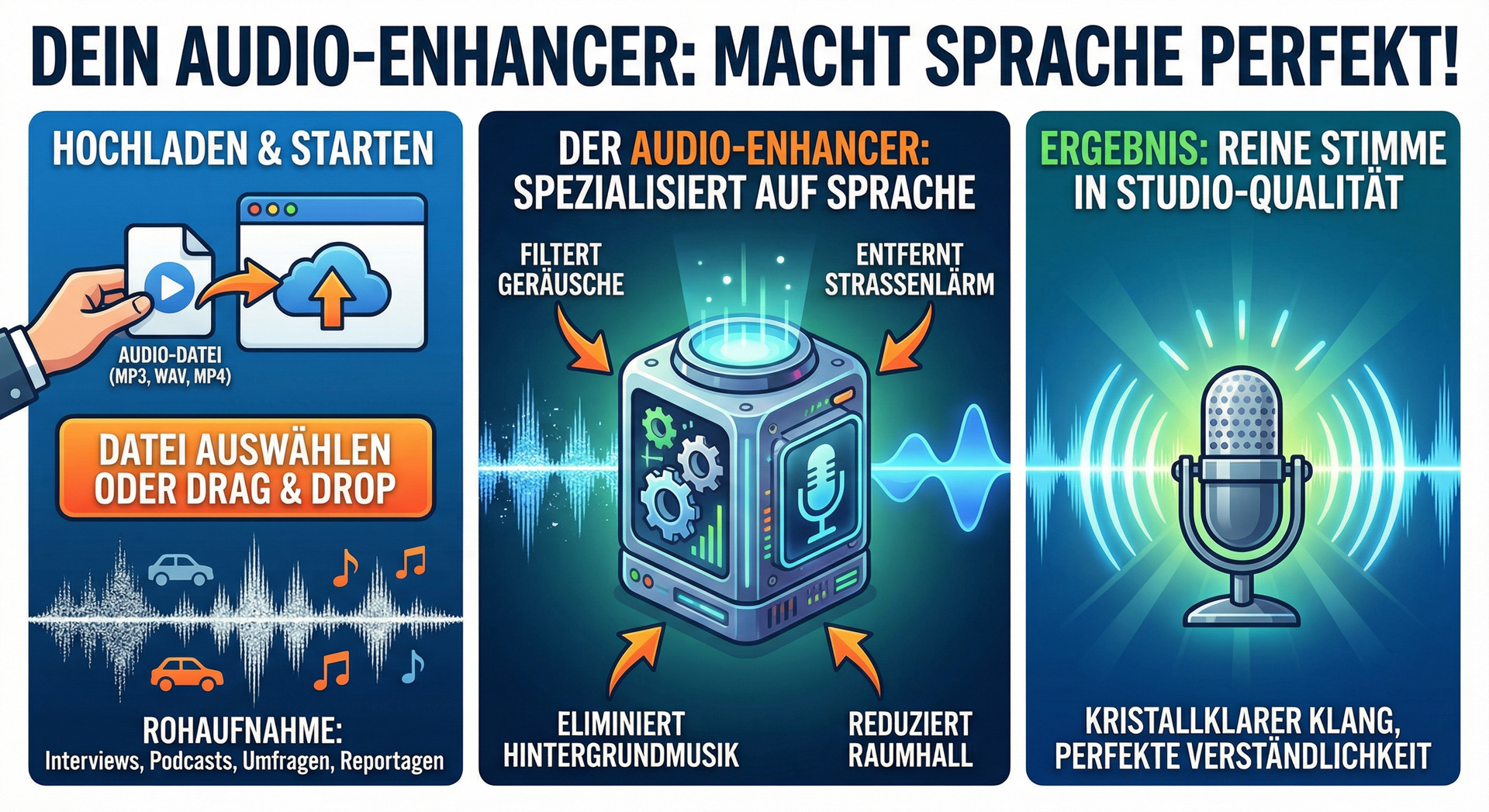
Podcasts, interviews, vox pops, reports, and other voice recordings can sometimes suffer from unwanted noise or room reverb. Background music or street noise may have been unavoidable during recording.
This is where the Audio Enhancer can help. It can remove unwanted noise, improve speech intelligibility, and optimize the sound. It’s not magic, but it often delivers impressive results.
Using it is very simple:
Upload the audio file or drag and drop it into the browser.
Tell Audrey: Improve the voice recording.
Tip
If you want to transcribe and improve a recording, use the Audio Enhancer first and transcribe it afterward. This gives you a more accurate transcript.
Audio Editing#
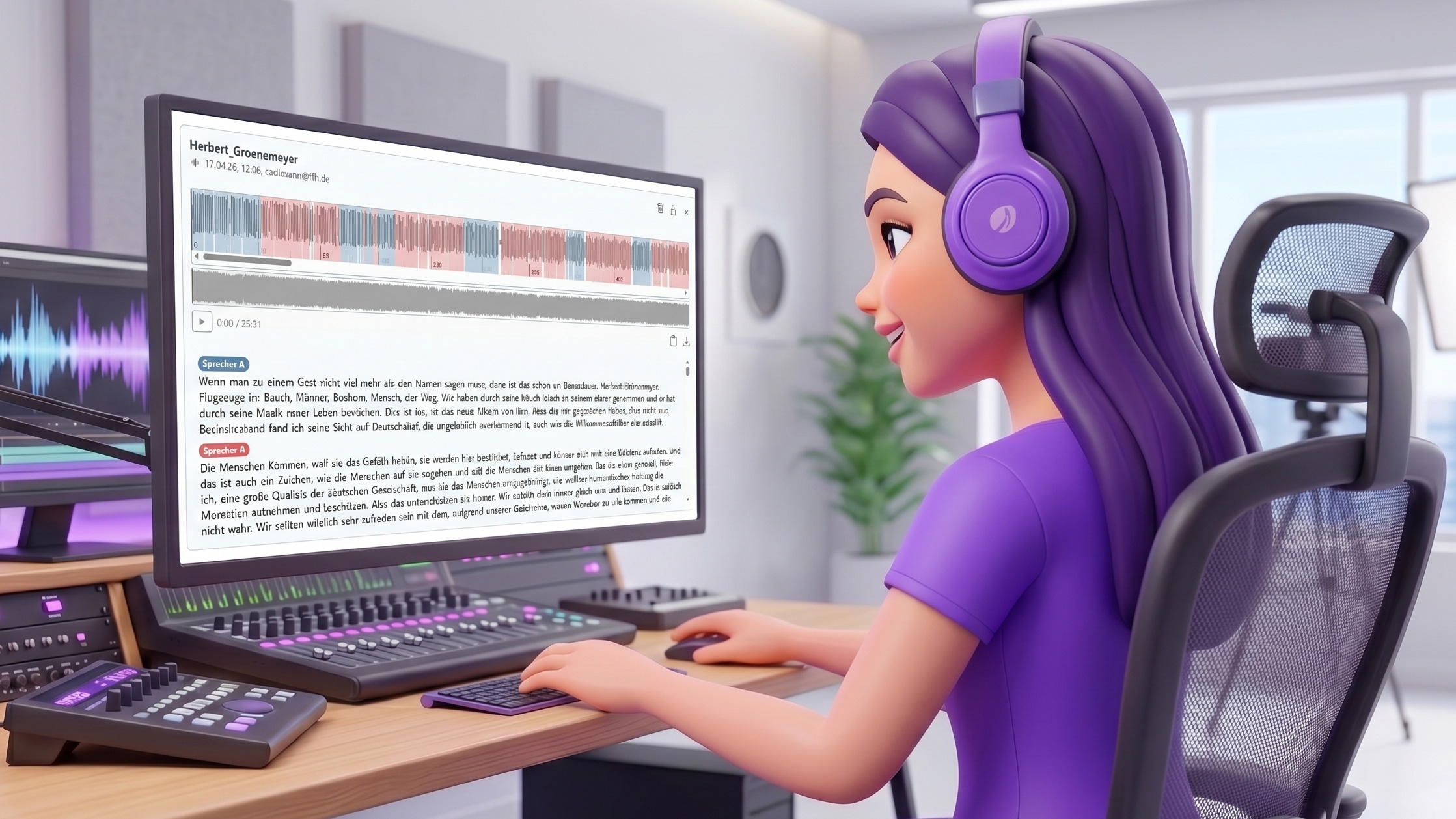
Automatic audio editing is one of Audrey’s most powerful features. Based on a transcript, Audrey can edit an audio file precisely: extract quotes, shorten segments, split interviews—fully automatically and in seconds.
This is especially useful in day-to-day radio and media work, where long recordings often need to be structured quickly, interviews shortened to fit broadcast length, or the best quotes selected.
How automatic editing works#
The editing workflow consists of three steps:
Transcribe: Audrey transcribes the audio file with precise segment timestamps. For editing, Audrey automatically selects Mistral or AssemblyAI as the provider—both deliver the accurate timestamps required.
Create an edit plan: Audrey carefully reads the transcript and creates an edit plan—deciding which segments to keep and which to remove. She pays attention to context and complete sentences. You can define the plan yourself or let Audrey suggest one.
Edit and listen: Audrey edits the audio automatically and provides the result in an audio player. In the player, you can click on the text and jump directly to the corresponding point in the audio.
Note
For automatic editing, the audio must be transcribed with Mistral or AssemblyAI. These providers deliver the precise segment timestamps required for reliable editing. If an OpenAI transcript already exists, Audrey can automatically retranscribe the file on request.
Extract original quotes#
Have you recorded a long interview and want to extract the best quotes as separate audio files? Audrey reads the transcript, identifies the relevant sections, and cuts each original quote into its own file.
Typical workflow:
Upload the interview.
Tell Audrey what kind of content you’re looking for, or let her suggest the best passages herself.
Audrey transcribes the file, identifies the quotes, and cuts them out.
Each original quote appears in its own audio player, ready for listening and download.
Practical example: You recorded a 20-minute interview with the mayor. You only need the statements about urban development. Audrey finds all relevant passages, cuts them out, and delivers each original quote as a separate file.
Tip
Try these prompts:
Extract all of the mayor’s statements on urban development as separate original quotes.
Find the three most memorable quotes from the interview and cut them into separate files.
Where does the interviewee talk about his childhood? Cut out that section.
Which statements work best as original quotes for a 2-minute radio segment?
Shorten a segment or interview#
Is an interview 12 minutes long, but you only have 3 minutes available for broadcast? Audrey shortens the segment to the desired length in a way that preserves meaning and avoids cutting sentences apart.
You can specify which topics should remain, or let Audrey make a suggestion. The result appears immediately in an audio player for review.
Practical example: Your reporter has recorded an 8-minute interview with an expert. For the broadcast, you have a maximum of 90 seconds. You tell Audrey which topics matter most, and she shortens the interview and delivers the finished version.
Tip
Try these prompts:
Shorten the interview to about 3 minutes. Keep the statements about climate protection.
Remove all parts where the speaker repeats themselves.
Trim the segment down to the essentials—maximum 90 seconds.
Remove the introduction and cut straight to the first relevant original quote.
Shorten the interview to 2 minutes. The conclusion at the end must definitely remain.
Split an interview#
Would you like to divide a long interview into several thematic sections—for example, for a multi-part podcast series or for use in different broadcasts? Audrey reads the transcript, structures the conversation into meaningful sections, and cuts each part into its own file.
Practical example: A 45-minute expert interview needs to be split into three topic blocks for use in different broadcasts. Audrey analyzes the content, suggests a structure, and delivers three separate audio files.
Tip
Try these prompts:
Split the interview into thematic sections and create a separate audio file for each section.
Separate the interviewee’s answers from the host’s questions and create two separate files.
Remove slips of the tongue and filler words#
Sometimes a recording contains slips of the tongue or filler words such as “um” or “uh.” Or the speaker repeats the beginning of a sentence. Audrey Audio can automatically detect and remove these parts.
Note
For Audrey to recognize slips of the tongue and filler words, it needs a verbatim transcript. Normally, filler words and speech errors are not included in transcripts so that you get clean text.
Word-for-word transcription including all slips of the tongue, stumbles, and filler words is a special feature of AssemblyAI. If you ask Audrey Audio to cut out slips of the tongue and filler words, it will automatically transcribe the file with AssemblyAI using the verbatim setting to obtain the required timestamps.
Note: The transcription does not always capture all filler words and speech errors correctly. How reliably Audrey can detect and remove these parts depends on that.
It is best to use the audio enhancer first to remove background noise from the recording before cutting out filler words. That way, the edits are less noticeable.
Tip
Try this prompt:
Remove background noise and cut out filler words.
Create a radio segment from original quotes#
Do you have several original quotes from interviews or reports and want to turn them into a finished radio segment? Audrey takes care of the entire production process—from concept to finished audio file.
A classic radio segment alternates between voice-over text and original quotes. The voice-over guides the listener through the segment and provides context—it should neither give away nor retell the content of the original quotes.
How the production works:
Transcribe: Audrey transcribes all uploaded original quotes and reviews their content.
Create the concept: Audrey structures the segment and writes the linking voice-over text.
Generate the voice-over: Audrey has each voice-over text spoken by a suitable AI voice—as a separate file for each section.
Assemble the segment: All audio files—AI voice-over text and original quotes—are combined in the correct order into one finished file.
Practical example: You have three original quotes from an interview about a new city project. Audrey transcribes the quotes, writes the segment text, records the host links with a suitable AI voice, and delivers the finished 2-minute segment.
Tip
Try these prompts:
I’ve uploaded three original quotes from an interview about the new city park. Create a finished 2-minute radio segment from them.
Build a segment from the uploaded interviews. Use a friendly female voice for the host links.
Create a radio segment from the original quotes. The segment should start with an original quote, not with voice-over text.