
News Overview#
The News Overview is the control center for the news editorial team. This is where topics are planned, news items are written, and news bulletins are compiled for different stations. You can access the overview via the Radio Creator menu News -> Overview.
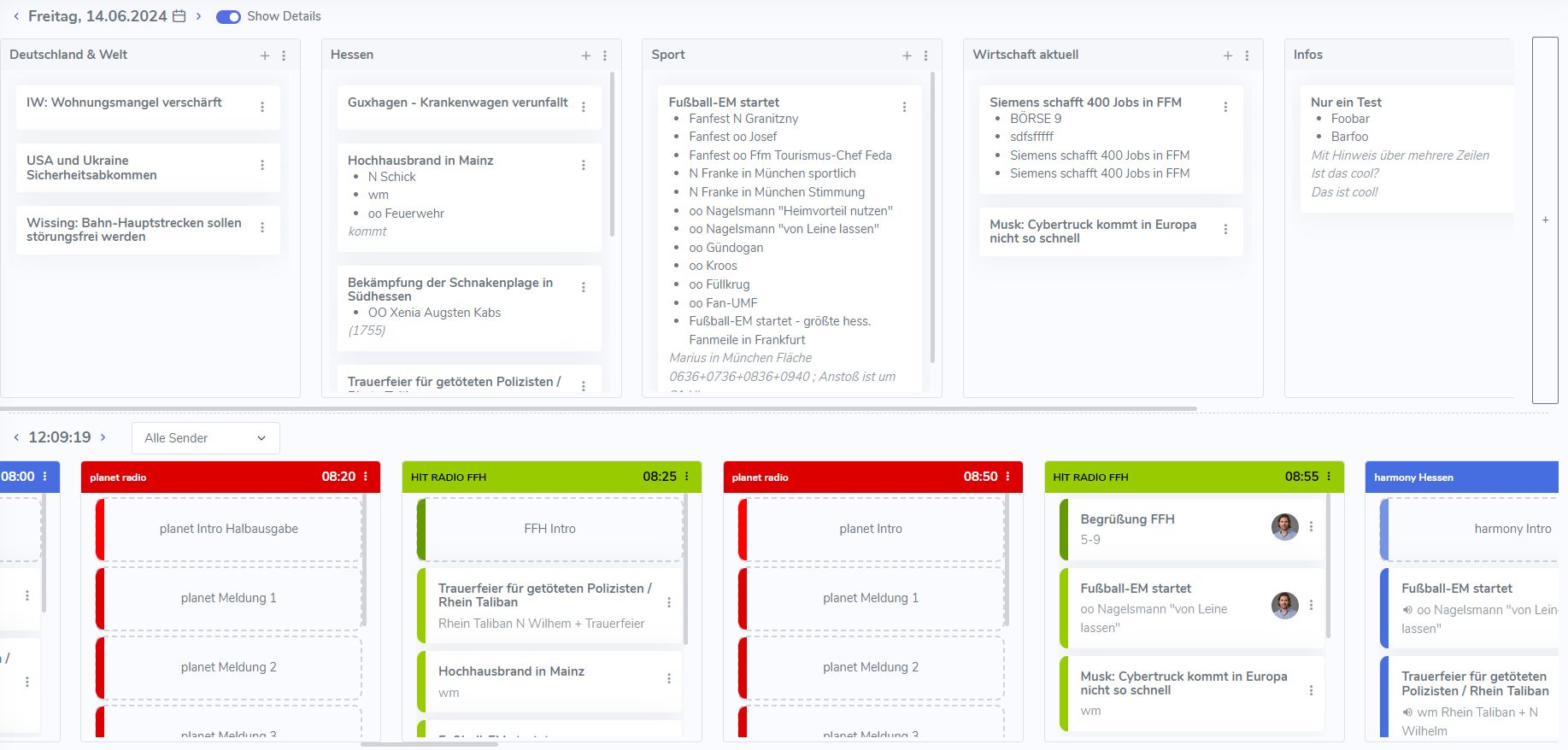
In this section, we introduce the most important functions and share tips for working quickly and navigating the overview. Click the image for a larger view.
Planning topics#
The upper half of the screen is used for topic planning. Related topics are grouped together in the category boxes.
Selecting a date#
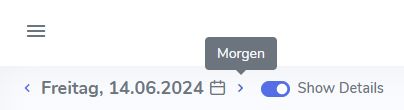
When you open the overview, today’s date is always loaded by default. Use the date selector to view and edit planning items and broadcasts from the past and future.
Showing all news items#
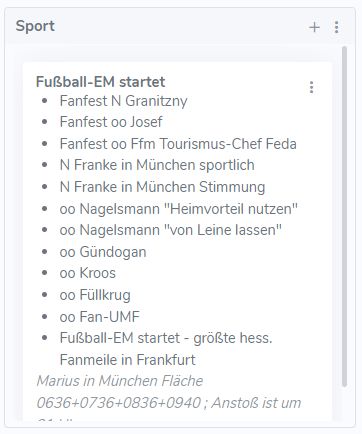
Use the Show Details toggle to show or hide all news items in the category boxes at the top.

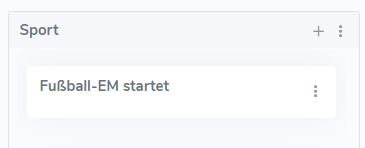
News items hidden - only the topics are visible:
News items shown - all news items for each topic are also displayed:
News bulletins#
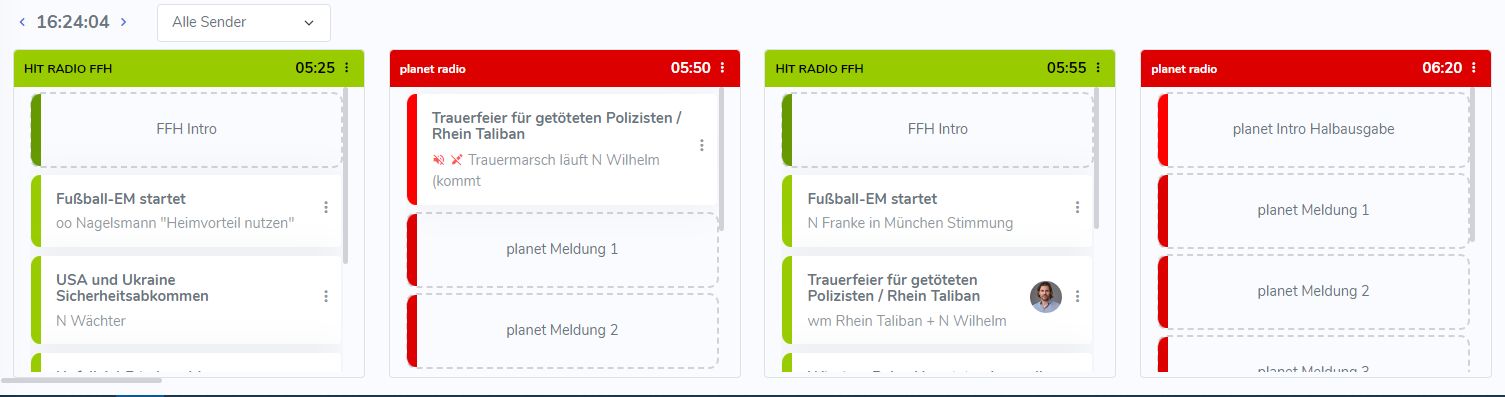
In the lower half of the page, you can see all scheduled news bulletins for the selected day: the casts with their individual slots for news items.
Filtering stations#
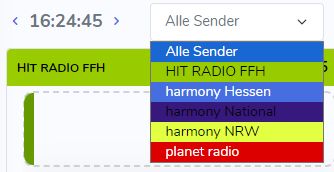
Next to the current time, there is a drop-down menu that lets you limit the view to a specific station. Simply open it and select a station.
Tip
Quickly scroll the news casts left and right: Even with the filter, there are still many casts displayed side by side. Hold down the Shift key on your keyboard and scroll with the mouse wheel. This allows you to scroll horizontally without using the scroll bar.
Individual news bulletin#
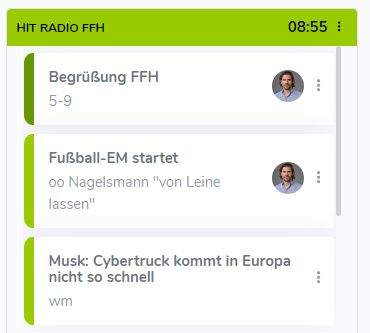
A news bulletin (cast) consists of several slots into which news items are inserted via drag and drop. In the example below, the first slot is reserved for the greeting. The news items follow after that. There are also other special slots, for example for stock market news.
The slot type determines which packaging elements are automatically added when mixing the finished news bulletin. We explain how to define these slots and create templates for news bulletins for different stations throughout the day in the Settings chapter.
Important
The first slot (greeting) and the second slot (first news item) must always be filled. Otherwise, a gap will occur when the bulletin is mixed. The slots further down can remain empty if a bulletin contains fewer news items.
Creating and editing elements: